🦊 For macOS Sonoma & Sequoia

Your Mac is Slower
Than It Should Be

Hidden junk files, forgotten duplicates, and system clutter are eating up your disk space. TidyFox finds them all and cleans them up β€” safely and automatically.

Get TidyFox β€” $29 30-day money-back guarantee
TidyFox
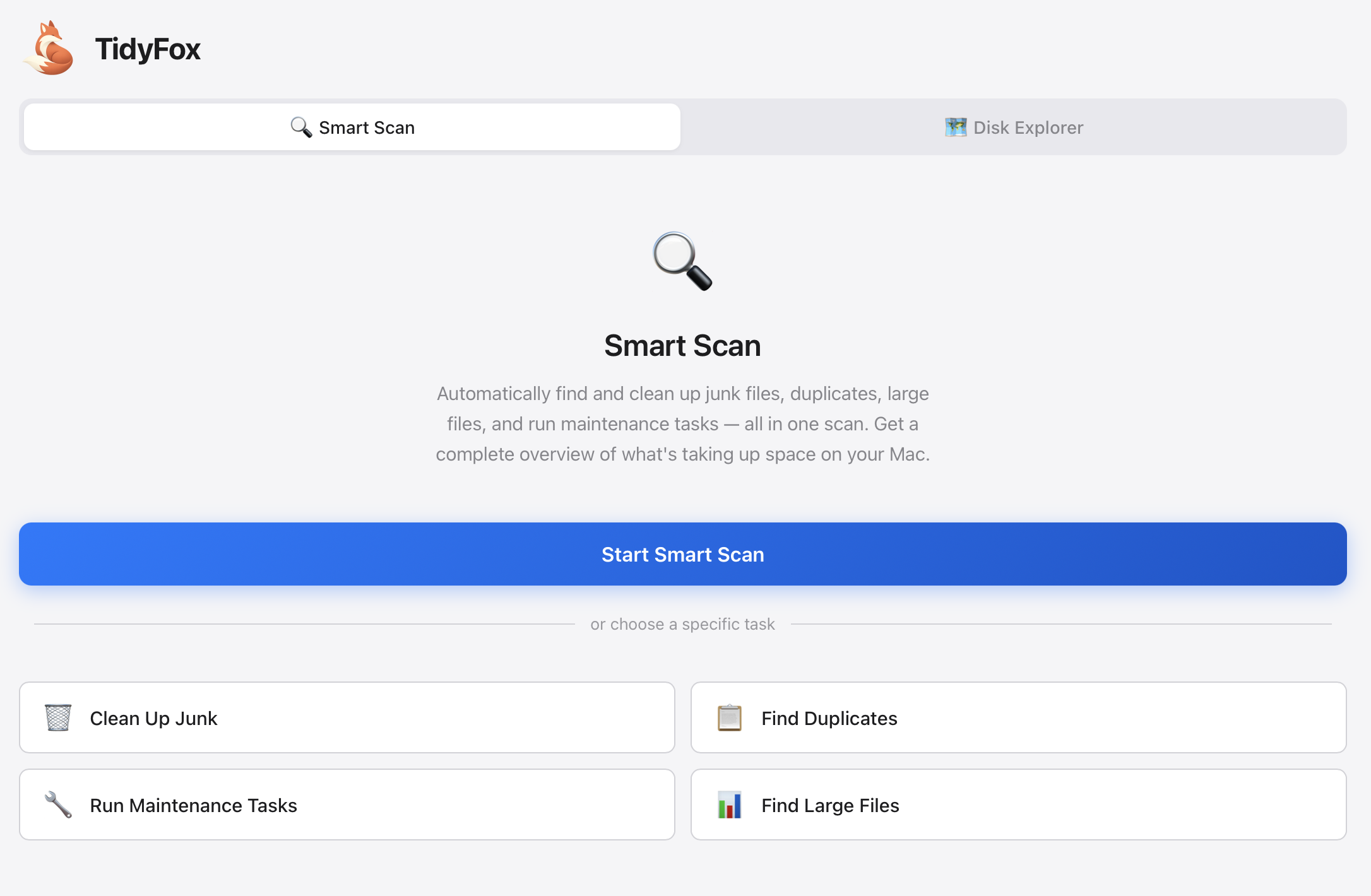
TidyFox App Screenshot

Where Did All Your Disk Space Go?

πŸ“¦

App Caches

Every app leaves behind cache files. Over time, these can grow to several gigabytes.

πŸ“‹

Duplicate Files

Downloaded the same file twice? Copied photos between folders? Duplicates add up fast.

πŸ“œ

Old Log Files

macOS and apps generate log files constantly. Most are never needed after a few days.

πŸ—‘οΈ

Leftover App Data

Uninstalled apps leave behind preferences, caches, and support files.

Everything You Need to Keep Your Mac Clean

TidyFox combines four powerful cleanup tools in one beautiful app.

πŸ—‘οΈ

Junk Cleaner

Automatically finds and removes system caches, app caches, log files, temporary files, and more. Safe categories are pre-selected β€” just click clean.

πŸ“‹

Duplicate Finder

Scans your entire drive for duplicate files using fast content hashing. Automatically keeps the most recently accessed copy.

πŸ“Š

Large File Finder

Discover what's eating up your disk space. Find forgotten downloads, old movies, and massive files you didn't know existed.

πŸ”§

Maintenance Tasks

Run essential macOS maintenance scripts to rebuild indexes, flush DNS, purge memory, and keep your Mac running smoothly.

πŸ—ΊοΈ

Disk Explorer

Interactive treemap visualization of your disk. See exactly where your space is going and drill down into any folder.

πŸ”

Smart Scan

One click runs all cleanup tools at once. Get a complete analysis of your Mac and clean everything in one go.

Simple, One-Time Pricing

No subscriptions. No hidden fees. Pay once, use forever.

Best Value
TidyFox
$ 29 one-time
  • βœ“ All cleanup tools included
  • βœ“ Disk Explorer with treemap
  • βœ“ Smart Scan one-click cleanup
  • βœ“ Free updates for life
  • βœ“ Works on macOS 13+
  • βœ“ Use on up to 3 Macs

πŸ›‘οΈ 30-day money-back guarantee.

Frequently Asked Questions

Is it safe to delete these files?

Yes! TidyFox only removes files that are safe to delete β€” caches, logs, and temporary files that macOS and apps will recreate if needed. We never touch your personal documents or important system files.

Will this slow down my Mac?

No, quite the opposite. Removing junk files frees up disk space, which can actually improve performance. Some cache files may need to be rebuilt, but this happens automatically and quickly.

What macOS versions are supported?

TidyFox works on macOS Ventura (13), Sonoma (14), and Sequoia (15). It's fully compatible with both Intel and Apple Silicon Macs.

How is this different from CleanMyMac?

TidyFox is a one-time purchase (no subscription), focuses on the essentials without bloat, and is built with modern technologies for speed and reliability. We don't use scare tactics or exaggerate disk space claims.

Can I get a refund?

Absolutely. If you're not satisfied for any reason within 30 days of purchase, just email us and we'll refund your purchase immediately. No questions asked.

Do I need to keep paying?

No! TidyFox is a one-time purchase. You pay once and get free updates forever. No subscriptions, no annual renewals.

Ready to Reclaim Your Disk Space?

Join thousands of Mac users who've cleaned up their Macs with TidyFox.

Get TidyFox β€” $29